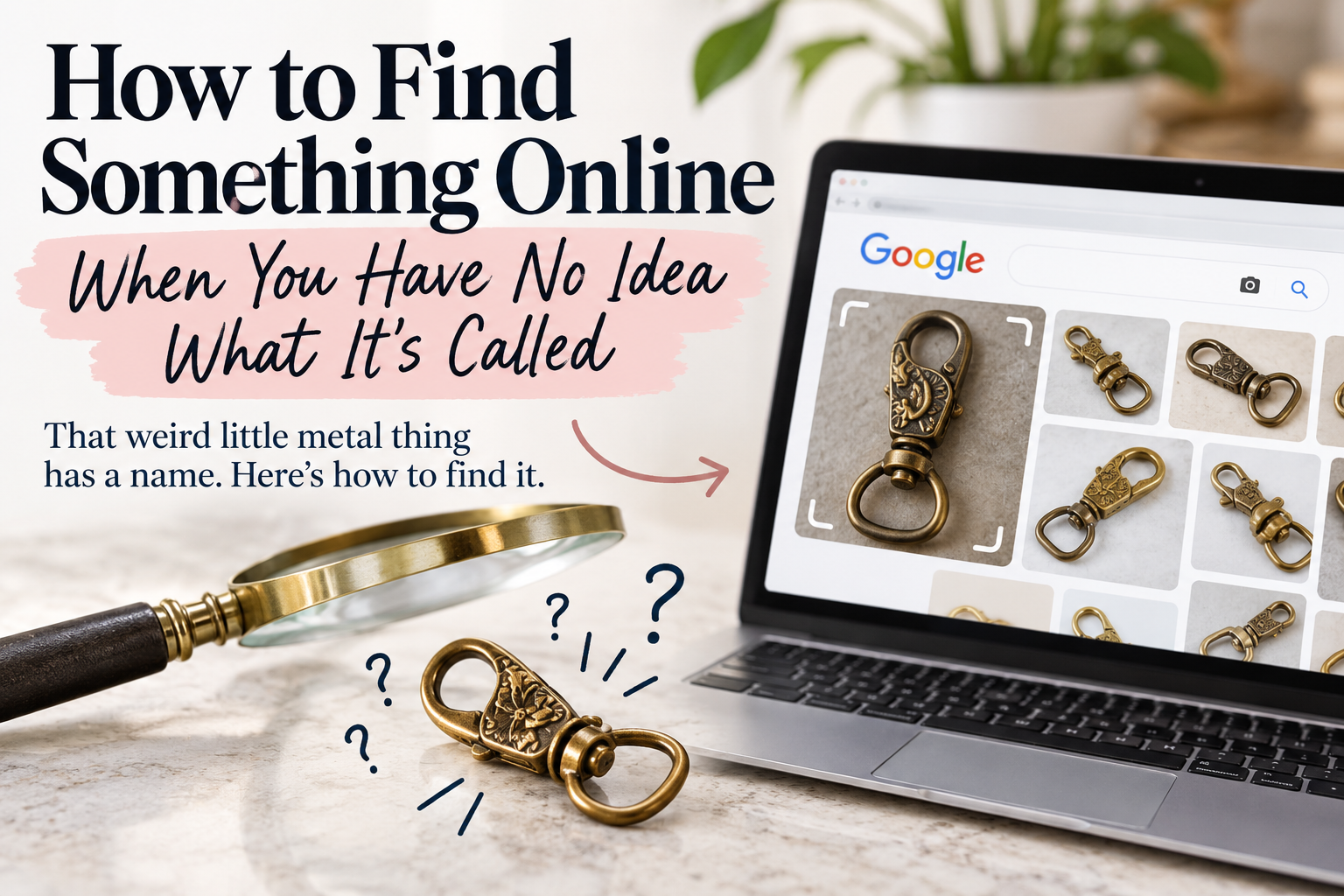

There is a very specific kind of frustration that happens when you want to find something online but have absolutely no idea what it’s called.
You know exactly what it looks like. You could point to it. You could probably draw a terrible picture of it. But ask you to type its name into Google?
Nothing.
So you end up searching something ridiculous like “little gold metal thing that closes a purse.”
And you know what? That’s actually not a bad place to start.
After years of reselling, I’ve had to identify thousands of things online. Sometimes I know exactly what I’m looking at. Other times I’m standing in a thrift store holding an object and thinking, I have no clue what this is, but I need to know.
The skill I’ve learned isn’t memorizing the names of everything.
It’s learning how to find something without knowing its name in the first place.
Start With What You Can See
One of the biggest mistakes people make is trying to guess what an object is before searching for it.
Imagine you find a strange little brass object at an estate sale. It has a hinge on one side, a hook on the other and some kind of floral engraving.
You think it might be sewing related.
So you Google vintage brass sewing tool.
Nothing looks right.
You try antique sewing hook.
Still nothing.
The problem might not be your searching skills at all. The problem is that you’ve already decided it’s a sewing tool.
Instead, forget what you think it is and describe what you actually see:
small brass hinged hook floral engraving
It sounds almost comically simple, but this is one of the most useful research tricks I’ve learned.
Don’t tell the internet what you think something is.
Tell it what you know.
The material. The shape. The color. The markings. What moves. What opens. What it’s attached to. Anything unusual about it.
Then let the search results start filling in the blanks.
Your First Search Isn’t Supposed to Find the Answer
This completely changed the way I research things.
I don’t expect my first search to work.
I’m looking for a new word.
Let’s go back to that mystery brass object.
Maybe one of the image results isn’t the same object, but it looks similar. The description calls it a swivel clasp.
Perfect.
Now I know something I didn’t know 30 seconds ago.
So instead of searching small brass hinged hook, I can search vintage brass swivel clasp.
Maybe those results introduce another term.
Search again.
This is how you work your way toward an identification. You’re not trying to make one brilliant Google search. You’re collecting vocabulary as you go.
I do the exact same thing with clothing.
Maybe I don’t know the name of an unusual sleeve. I search what it looks like, find something similar, discover that someone calls it a bishop sleeve, and suddenly my next search is dramatically better.
That’s really the trick.
Every almost-right result can teach you how to make the next search better.
And Then There Was Google Lens
Visual search has made this process ridiculously easier.
If I’m trying to identify something now, one of the first things I’ll do is photograph it and run the image through Google Lens.
But there’s an important trick here.
Crop the photo.
If you’re trying to identify a clasp on a handbag and you give Google Lens a photograph of the entire purse sitting on a table next to your coffee cup, you’re asking it to figure out which part of that image matters.
Instead, crop tightly around the clasp.
You’re basically telling Google:
This thing. I want to know about THIS.
Even when Lens doesn’t identify the exact item, the visually similar results can give you those precious search terms you didn’t know before.
And once I have those words, I go right back to regular search.
Visual search and text search work much better together than either one does alone.
The Tiny Clues Are Usually the Best Ones
This is where being a reseller has probably made me slightly obsessive.
I look everywhere.
Turn the object over. Look inside it. Check underneath it. Zoom in on the label. Look at the zipper pull. Check the sole. Examine the back of the hardware.
That random number stamped underneath something may look completely meaningless.
Search it anyway.
Model numbers, style numbers, patent numbers, RN numbers, part numbers and other markings can take you from “what is this?” to the exact product surprisingly fast.
Words are even better.
If you find an unusual phrase printed on something, put the phrase inside quotation marks when you search it. That tells Google to look for those exact words together.
Sometimes two or three tiny clues are all you need.
A logo plus a number.
A material plus an unusual shape.
A few printed words plus a photograph.
It’s less like shopping and more like solving a tiny mystery.
When Google Gets Stuck on the Wrong Thing
This happens constantly.
You search for an object and Google decides it knows what you mean.
Except it doesn’t.
Now every result is the same wrong thing.
This is when I change my wording completely instead of endlessly rearranging the same search.
I might also remove the word that’s causing trouble. Adding a minus sign directly before a word tells Google you don’t want results containing it.
And I’ll switch over to image results.
Images are especially useful when you don’t have the vocabulary yet because you don’t need to know what the correct object is called.
You just need to recognize it when you see it.
Once you spot something similar, read the title attached to the image.
There’s your next clue.
Sometimes I Let Other Sellers Do the Work for Me
This might be one of the most underrated uses of eBay.
If I can’t identify something, I’ll sometimes search eBay using the handful of things I do know.
There are millions of listings written by people who have already researched their own mystery items.
I’m not automatically assuming their identification is correct, but their listing might give me a brand name, pattern name, style term or other clue I can independently research.
For a reseller, there’s an added bonus.
Once I’ve finally figured out what something is, I can check sold listings and find out whether anybody actually wants it.
Because identifying the mysterious $200 collectible is exciting.
Identifying the mysterious $8 object you’ve spent 45 minutes researching?
Slightly less exciting.
AI Has Become My New Research Assistant
This is another tool I wish I’d had years ago.
If I genuinely don’t know how to describe something, I can upload a picture to an AI tool and ask it to describe the physical characteristics of the object and suggest terminology I could use to search for it.
That’s often more useful than simply asking, “What is this?”
AI can confidently identify something incorrectly. So can visual search. And, for that matter, so can another reseller.
I don’t necessarily want one tool to hand me an answer that I blindly accept.
I want it to give me better clues.
Then I can verify them.
That distinction matters.
You Don’t Need to Know What Things Are Called
This is the part I wish more people understood.
Being good at finding things online isn’t about already knowing the answer.
It’s about getting comfortable starting with almost nothing.
You might begin with:
weird silver clip thing
And five minutes later you’re searching the exact name, manufacturer and model number.
That’s not because you suddenly became an expert in weird silver clip things.
It’s because you learned how to follow clues.
Describe what you see instead of what you assume. Use pictures when words fail you. Pay attention to numbers and markings. Borrow vocabulary from results that are close. Change direction when the search results aren’t making sense. And never underestimate how much information can be hiding in one tiny detail.
After years of reselling, I’ve gotten pretty good at this.
But I still regularly pick something up and think:
What the heck is this?
The difference now is that my next thought is usually:
Give me five minutes.



Leave a Reply