
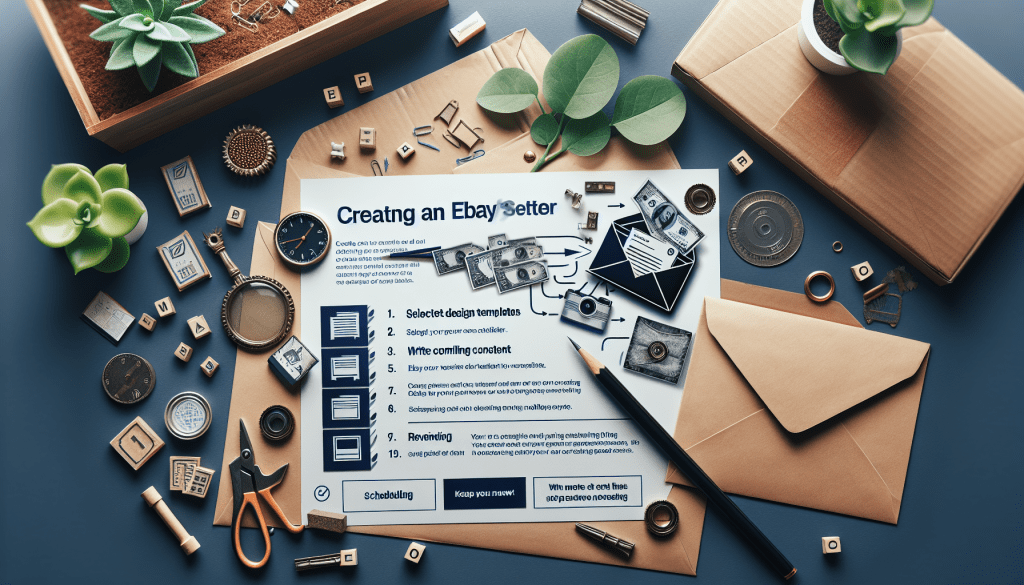
Creating and sending an eBay Store newsletter is a fantastic way to keep your customers informed, engaged, and coming back to your store for more. Here’s a step-by-step guide to help you create and send an effective eBay Store newsletter.
1. Understand the Benefits of eBay Store Newsletters
- Customer Engagement: Regular newsletters keep your customers updated on new products, promotions, and important news.
- Increased Sales: Highlighting special offers and new arrivals can drive more traffic to your store and increase sales.
- Brand Loyalty: Consistent communication helps build a relationship with your customers, fostering loyalty and repeat business.
2. Set Up Your eBay Store Newsletter
- Navigate to Your Store Settings: Log in to your eBay account from a laptop/deskptop, go to the “Seller Hub” section, and select “Store” which is close to the top of the page under your seller name.
- Access Newsletter Settings: Under Store Set Up, find and click on “Store Newsletter” to start setting up your newsletter.
3. Choose a Campaign Template
- What are you promoting? Choose from a selection of pre-designed templates. Pick one that matches the goal of your email. There are currently 5 focus point options:
- New products and collections (highlight your newest finds!)
- Coupons
- Sales events and markdowns
- Order Discount (buy more items, save more $$$)
- Volume Pricing (buy multiples, save more$$$)
- Customize Your Template:
4. Create Compelling Content
- Select Recipients: This feature allows you to select from: most recent buyers (purchase within 30 days), recent buyers (purchase was within 31-365 days), followers (saved you as a seller), all subscribers, or groups created by you.
- Subject Line: Write an attention-grabbing headline. It should be concise and give a clear idea of what the newsletter contains. 70 characters only!
- Strong Call-to-Actions: Use phrases like “Shop Now,” “Discover More,” or “Get Your Discount” to encourage readers to take action.
- Personal Touch: Add a personal note or message to make your customers feel valued and appreciated.
5. Review and Test Your Newsletter
- Proofread: Check for any spelling or grammatical errors.
- Preview: Use eBay’s preview feature to see how your newsletter will look to recipients.
6. Set Your Sending Schedule
- Timing: Choose a time and day when your audience is most likely to open their emails. For example, mid-week mornings often have higher open rates.
- Frequency: Decide how often you’ll send newsletters. Whether it’s weekly, bi-weekly, or monthly, consistency is key.
8. Build Your Subscriber List
- Promote Your Newsletter: Encourage customers to subscribe where ever you can!
9. Send Your Newsletter
- Finalize and Send: Once you’re happy with the content and design, hit the send button. eBay will distribute your newsletter to your subscriber list.
10. Analyze and Optimize
- Track Performance: Use eBay’s analytics tools to monitor the performance of your newsletter. Look at open rates, click-through rates, and conversions.
- Feedback and Adjustments: Gather feedback from your subscribers and make necessary adjustments to improve future newsletters.

Conclusion
Creating and sending an eBay Store newsletter is a powerful way to engage with your customers, drive sales, and build brand loyalty. By following these steps, you can craft a compelling newsletter that resonates with your audience and keeps them coming back for more. Happy selling! And don’t forget to Follow me on eBay at www.premierfinds.com so you don’t miss a newsletter!


 Premier_Finds
Leave a comment